Google Tag Manager
I use Google Tag Manager mainly when data should lead to a practical decision, not just another report. It helps deploy and manage tags, events, and marketing scripts without requiring every small change to go through an application deployment. It makes the most sense when results are reviewed regularly and connected to specific changes on the website or in campaigns.
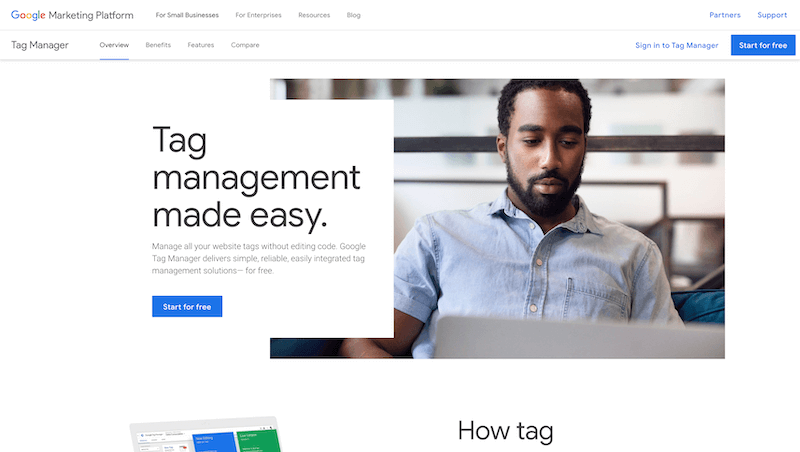
Google Tag Manager is useful when tag and tracking management should not be managed by feeling alone. Data by itself is not enough, though. The important part is choosing the signals that actually change the next step.
That is why I would not treat Google Tag Manager as a place to visit occasionally for a nice chart. The value appears when the tool becomes part of regular decision-making and someone actually changes content, campaigns, or priorities based on it.
Where it makes sense
It helps deploy and manage tags, events, and marketing scripts without requiring every small change to go through an application deployment.
The practical benefit is that the team does not start from an empty page. It can see what is happening, where the problem is, and where an opportunity may exist.
From report to decision
A report does not move the project by itself. It needs interpretation and a follow-up action. It is better to focus on a smaller set of metrics that clearly influence the next step.
Instead of watching everything, the better questions are: what do we fix, what do we test, what do we stop, and what is worth expanding?
A regular rhythm
Tools like this work best when they are used regularly. A one-time view can reveal a problem, but a trend shows whether the project is actually improving.
That rhythm can be a weekly check, a monthly review, or a review after a larger change. The important thing is that outputs have an owner.
What to watch out for
Analytics is useful only when it is configured correctly. Bad events, missing consent handling, or unclear conversions can lead to very poor decisions.
When Google Tag Manager supports judgment, it is very useful. When it becomes just another dashboard, its practical value drops quickly.
hub Related tools
Explore similar tools
A random selection of tools from the same category.
SimilarWeb
SimilarWeb helps estimate traffic, acquisition sources, and the competitive position of websites or digital products. It is useful for market comparison, competitor benchmarking, and channel orientation. It makes the most sense as a strategic estimate, not as an exact replacement for first-party analytics.
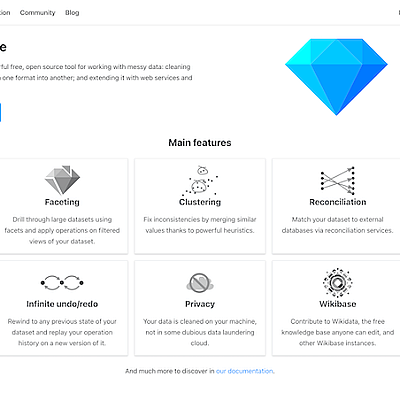
OpenRefine
I use OpenRefine mainly when data should lead to a practical decision, not just another report. It helps clean, reconcile, and transform messy data such as spreadsheets, exports, catalogs, or larger datasets from different sources. It makes the most sense when results are reviewed regularly and connected to specific changes on the website or in campaigns.

Google Ads
I use Google Ads mainly when data should lead to a practical decision, not just another report. It helps manage search, display, shopping, or video campaigns and evaluate which queries, audiences, and creatives bring return. It makes the most sense when results are reviewed regularly and connected to specific changes on the website or in campaigns.
add_circle Missing a tool?
Suggest a tool for the list
If you could not find a useful tool here, send me its name and URL. I will review it and consider adding it to the public catalog.
