Google Trends
I use Google Trends mainly when data should lead to a practical decision, not just another report. It helps track how interest in topics, brands, or queries changes over time and across regions, which is useful for content and campaign planning. It makes the most sense when results are reviewed regularly and connected to specific changes on the website or in campaigns.
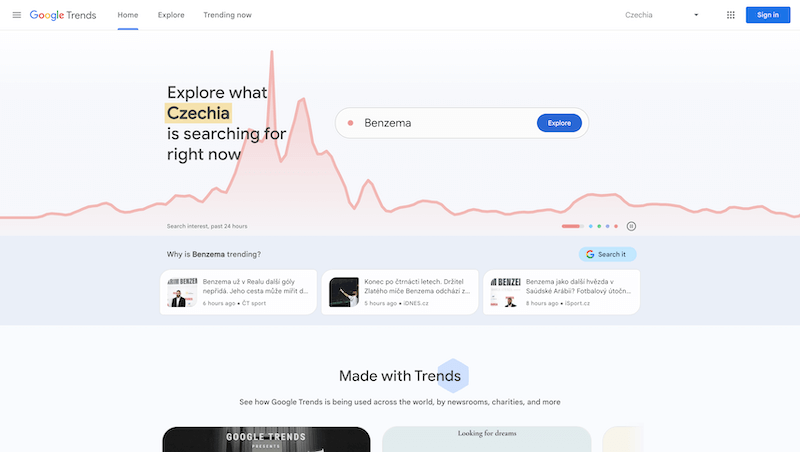
Google Trends is useful when interest in topics over time should not be managed by feeling alone. Data by itself is not enough, though. The important part is choosing the signals that actually change the next step.
That is why I would not treat Google Trends as a place to visit occasionally for a nice chart. The value appears when the tool becomes part of regular decision-making and someone actually changes content, campaigns, or priorities based on it.
Where it makes sense
It helps track how interest in topics, brands, or queries changes over time and across regions, which is useful for content and campaign planning.
The practical benefit is that the team does not start from an empty page. It can see what is happening, where the problem is, and where an opportunity may exist.
From report to decision
A report does not move the project by itself. It needs interpretation and a follow-up action. It is better to focus on a smaller set of metrics that clearly influence the next step.
Instead of watching everything, the better questions are: what do we fix, what do we test, what do we stop, and what is worth expanding?
A regular rhythm
Tools like this work best when they are used regularly. A one-time view can reveal a problem, but a trend shows whether the project is actually improving.
That rhythm can be a weekly check, a monthly review, or a review after a larger change. The important thing is that outputs have an owner.
What to watch out for
Analytics is useful only when it is configured correctly. Bad events, missing consent handling, or unclear conversions can lead to very poor decisions.
When Google Trends supports judgment, it is very useful. When it becomes just another dashboard, its practical value drops quickly.
hub Related tools
Explore similar tools
A random selection of tools from the same category.

Google Data Studio
I use Google Data Studio mainly when data should lead to a practical decision, not just another report. It helps build dashboards from multiple data sources and makes metrics available to people who do not need direct access to analytics or advertising tools. It makes the most sense when results are reviewed regularly and connected to specific changes on the website or in campaigns.
Sklik
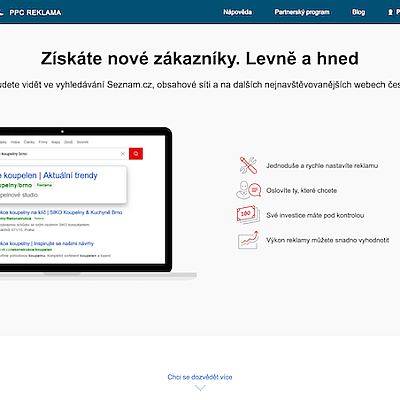
Sklik is Seznam’s advertising system and makes the most sense for the Czech market. It helps reach users in search, the content network, and other ad formats outside the Google ecosystem. Its biggest value appears when used as part of a local marketing mix, not as an automatic copy of Google Ads.
Pingdom
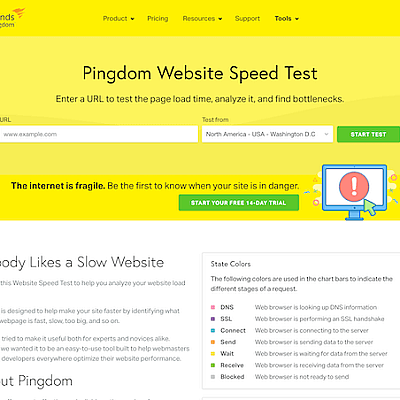
Pingdom is useful for straightforward uptime and speed monitoring. It helps quickly detect whether a website is running, how long it takes to respond, and when an outage happened. Its biggest value appears when you do not want to rely on customers noticing the problem first.
add_circle Missing a tool?
Suggest a tool for the list
If you could not find a useful tool here, send me its name and URL. I will review it and consider adding it to the public catalog.
