PageSpeed Insights
I use PageSpeed Insights as a quick entry point into website performance. It does not explain everything, but it shows Core Web Vitals, lab data, and specific recommendations that can affect speed and user experience. It makes the most sense when results are not treated as a score chase, but as input for real improvement.
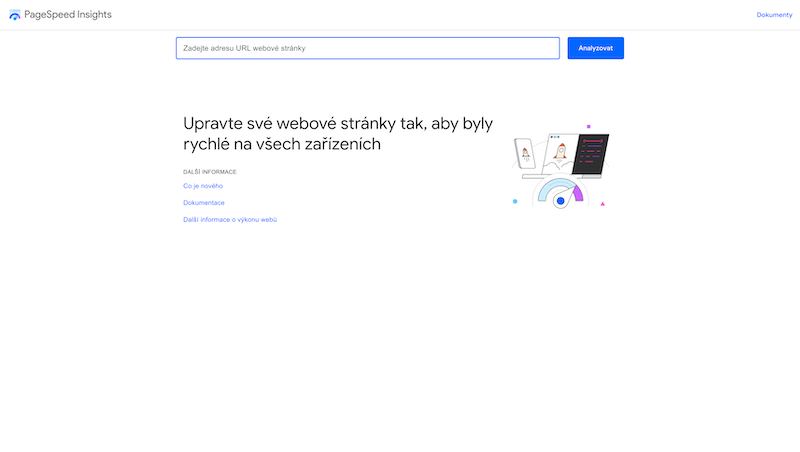
PageSpeed Insights is a good first look at website performance. I do not treat it as an absolute verdict, but as a quick signal showing where a problem may exist and what deserves deeper inspection.
The score itself is not the goal. The important part is understanding whether the issue affects real users, whether it appears on key pages, and whether the fix has a reasonable cost-benefit ratio.
Core Web Vitals in practice
Core Web Vitals help evaluate performance from the user perspective: loading, interaction, and visual stability. That is better than judging a website only by the feeling that it is fast or slow.
It is still important to distinguish lab data from field data. Lab tests are useful for diagnosis, while field data shows how real visitors experience the site.
Recommendations are not a checklist
PageSpeed Insights often lists many recommendations. Some have real impact, others are minor. It does not make sense to fix everything blindly without priorities.
A practical starting point is what repeats on important templates: images, blocking scripts, font loading, cache behavior, or unnecessarily large JavaScript.
Performance and business
Website speed is not only a technical metric. For an e-commerce page, form, or landing page, it can affect conversions and trust. Performance matters most where users make decisions.
On less important pages, a perfect score can be unnecessarily expensive. A good decision is not always maximum points, but a reasonably fast site in the right places.
What to watch out for
The biggest risk is chasing scores without context. The tool can reveal a problem, but it does not automatically decide whether it is the most important work for the project.
PageSpeed Insights is an excellent starting point for diagnosis. Final decisions should combine technical measurement, analytics, user impact, and implementation cost.
hub Related tools
Explore similar tools
A random selection of tools from the same category.
Internet Archive (Wayback Machine)
I use Internet Archive (Wayback Machine) mainly when data should lead to a practical decision, not just another report. It helps inspect older versions of websites, recover lost content, verify changes over time, or understand how a site evolved. It makes the most sense when results are reviewed regularly and connected to specific changes on the website or in campaigns.
Pingdom
Pingdom is useful for straightforward uptime and speed monitoring. It helps quickly detect whether a website is running, how long it takes to respond, and when an outage happened. Its biggest value appears when you do not want to rely on customers noticing the problem first.
Screaming Frog SEO Spider
Screaming Frog SEO Spider is a practical crawler for technical SEO checks. It helps crawl pages similarly to a search engine and find issues in URLs, titles, meta descriptions, redirects, canonicals, status codes, and internal links. Its biggest value appears during audits, migrations, or checks of larger websites.
add_circle Missing a tool?
Suggest a tool for the list
If you could not find a useful tool here, send me its name and URL. I will review it and consider adding it to the public catalog.
