Sentry
Sentry helps monitor application errors and performance so a production problem does not remain just a line somewhere in a log file. It shows exception context, affected users, release, environment, and error frequency, making it easier to decide what is truly critical. Its real value appears when issues are actively triaged and fixed, not only collected.
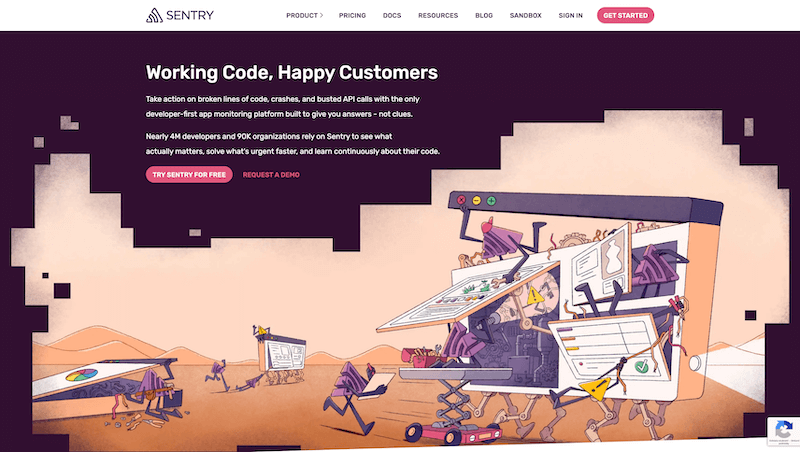
I see Sentry as a tool for the moment when it is no longer enough to know that the application threw an error somewhere. In production, context matters: who hit the error, in which release, how often it repeats, what happened before it, and whether it is a minor edge case or a problem currently affecting users. Without that context, debugging easily turns into blind log searching.
Logs still matter, but Sentry moves error handling one level higher. It collects exceptions, groups similar problems, shows stack traces, and adds metadata that helps the team decide what deserves attention. It is not just error collection. It turns errors into a work queue that can actually be triaged.
Production errors need context
When an error happens once in a local environment, it is usually easy to debug. Production is different. A bug may happen only for a specific user, with specific data, or after a specific release. Sentry helps put those pieces together.
Release tracking is especially practical. If a certain exception starts repeating after a deploy, the team needs to know quickly. Instead of guessing whether the issue is connected to the latest release, you get a concrete signal and can decide whether to fix, roll back, or keep watching.
Triage instead of noise
The biggest risk with monitoring is overload. If a tool only sends lots of notifications, the team eventually starts ignoring it. Sentry becomes useful when issues are triaged: what is new, what is getting worse, what affects many users, and what is only an edge case.
Good alerts matter a lot here. Not every exception should wake the team. Some issues can be handled during normal maintenance. Critical errors, however, need to be visible quickly. Sentry helps by letting the team look at issues through impact, frequency, and context.
Performance and user impact
Sentry is not only about exceptions. Performance monitoring, slow transactions, and user-facing behavior can be just as useful. A slow endpoint may not crash, but it can hurt the product experience as much as a visible error.
This matters especially for applications already running in real production. Local measurements do not show everything. Production data helps distinguish whether the issue is in a specific part of the app, an external service, or a combination of several factors. Sentry gives the team a better starting point for decisions.
What to watch out for
Sentry can collect sensitive context, so it is important to control what data is sent. Personal data, tokens, and internal information should not be included in events casually. Monitoring integration is not just installing a package. It is also deciding what is safe to store outside the application.
Used responsibly, Sentry is a very strong tool. It shortens the time between an error happening and the team understanding it. The biggest value is not the dashboard by itself. The value comes from the process around it: issues are triaged, assigned, fixed, and actually disappear from production after the fix.
hub Related tools
Explore similar tools
A random selection of tools from the same category.

Larastan
I use Larastan as a way to bring static analysis into a Laravel project without ignoring Eloquent, facades, and the dynamic parts of the framework. It does not replace tests or review, but it can catch type errors, incorrect return values, and small problems that would otherwise appear only when the application is running.

Spatie
Spatie is best known for its long-maintained PHP and Laravel packages. In practice, I see it as a source of proven solutions for recurring problems: permissions, media handling, activity logs, backups, data objects, webhooks, and other application concerns. The value is not installing everything, but choosing the package that truly simplifies the project.
Rector
I see Rector as a tool for the point where manual refactoring stops making economic sense. It can scan a PHP codebase, apply mechanical changes, and help with language or framework upgrades without forcing a developer to hand-edit thousands of tiny details. Its real value appears when it is part of a controlled process, not blind automatic rewriting.
add_circle Missing a tool?
Suggest a tool for the list
If you could not find a useful tool here, send me its name and URL. I will review it and consider adding it to the public catalog.
